Docs/Integrations/Custom Post Types
Custom Post Types
Register custom post types from a visual form under Pure Fields → Post Types — full control over labels, archive pages, REST/Gutenberg support and admin placement, with no register_post_type() by hand.
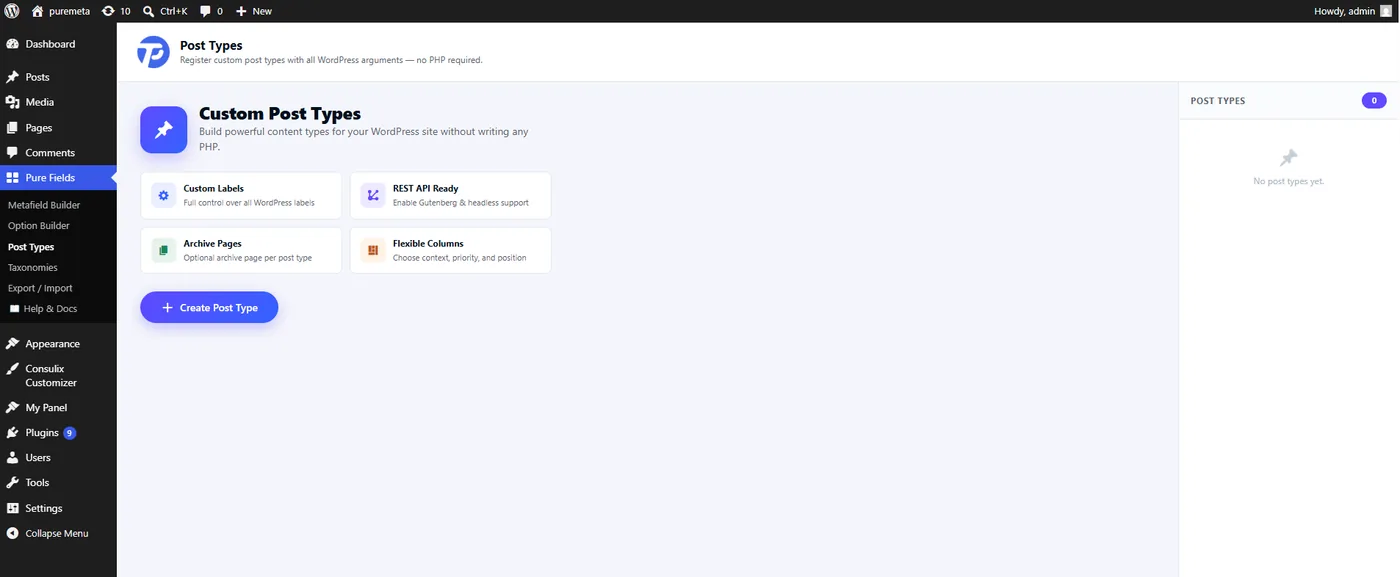
Registration itself is visual-only — Pure Fields stores your configuration and calls WordPress's own register_post_type() with it on init. There's no separate filter for defining a post type in code; use the Post Type Builder screen. Everything downstream — attaching metaboxes, reading meta, querying posts — works exactly like any other post type.
Attach a metabox to your new post type
Use the post type's slug (set when you created it) in a metabox's post_type key, the same way you would for post or page:
add_filter( 'tp_meta_boxes', function( $boxes ) {
    $boxes[] = [
        'metabox_id' => 'project_details',
        'title'      => 'Project Details',
        'post_type'  => [ 'project' ],  // your custom post type's slug
        'fields'     => [
            [ 'id' => 'project_client', 'type' => 'text',  'label' => 'Client' ],
            [ 'id' => 'project_year',   'type' => 'text',  'label' => 'Year' ],
        ],
    ];
    return $boxes;
} );
Read the values on your archive/single templates the usual way, with tpmeta_field( 'project_client' ) — see Developer Guide → Helper Functions.
A custom taxonomy for organizing entries, and a repeater field for per-entry lists (e.g. a project's gallery of images).