Custom fields for WordPress developers
Theme Option Builder Without Coding.
Drag option panels, meta boxes and custom fields into place, then read their values anywhere in your theme with one function call. No callbacks, no sanitising, no save hooks.
Meta boxes, post types & taxonomies — free Option Builder & Customizer — Pro WordPress 5.6+ · PHP 8.0+
WordPress edit screen
add_filter( 'tp_meta_boxes', 'mytheme_page_options' );

function mytheme_page_options( $boxes ) {
  $boxes[] = [
    'metabox_id' => 'page_options',
    'title'       => 'Page Options',
    'post_type'   => 'page',
    'fields'      => [
      [ 'id' => 'show_breadcrumb',
        'type' => 'switch',
        'label' => 'Show Breadcrumb' ],
      [ 'id' => 'footer_style',
        'type' => 'tabs',
        'choices' => [ 'default' => 'Default', …] ],
    ],
  ];
  return $boxes;
}
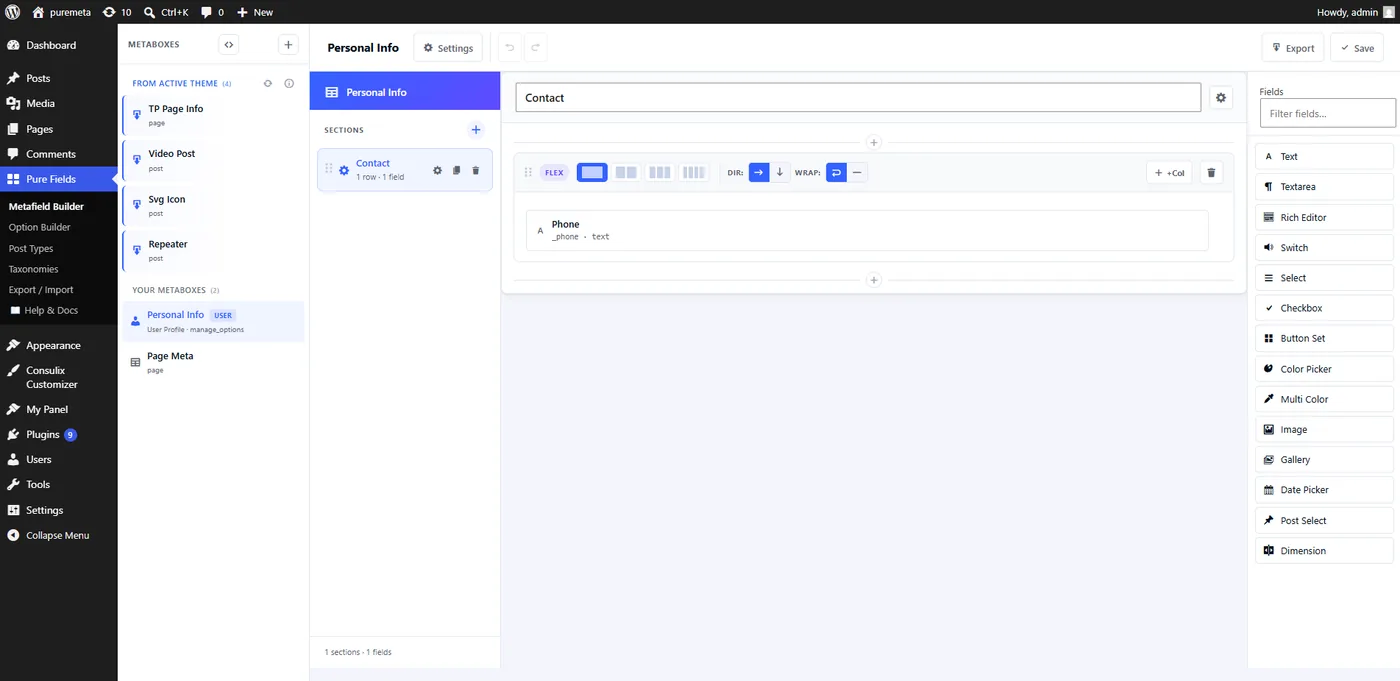
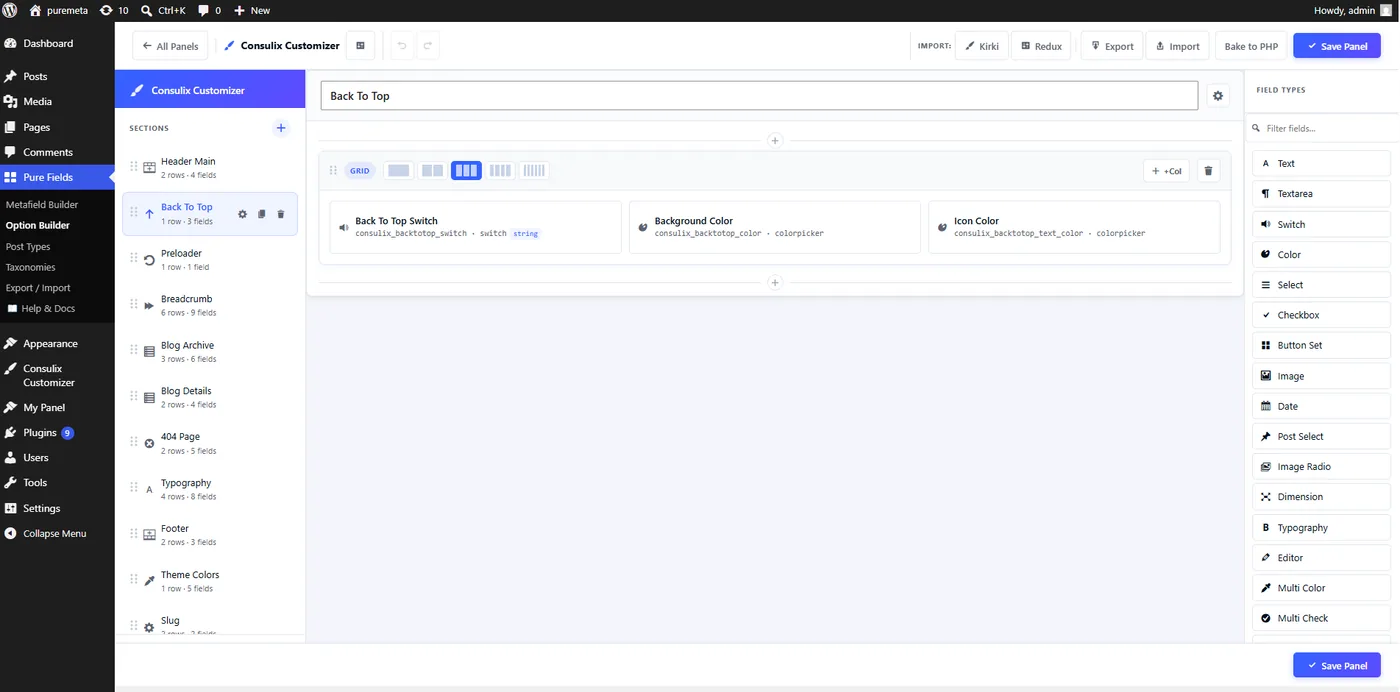
Or build the same thing visually — no PHP required
Built by ThemePure
Start with something already shipping.
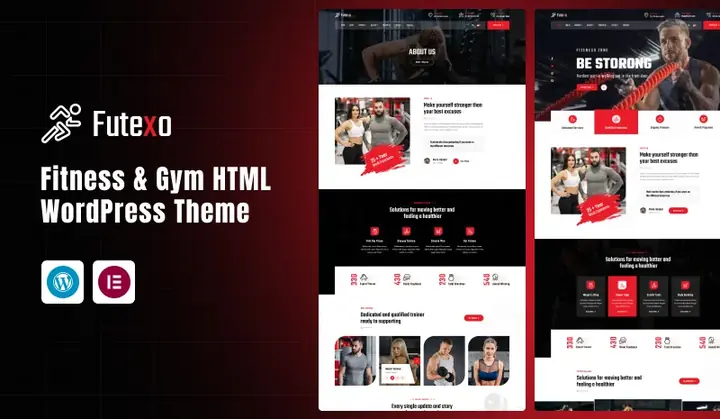
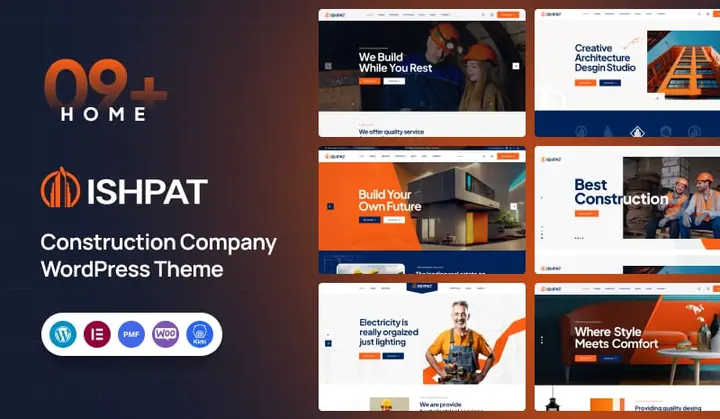
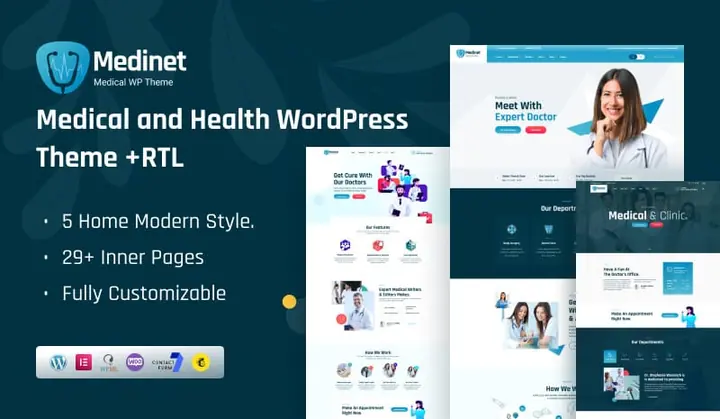
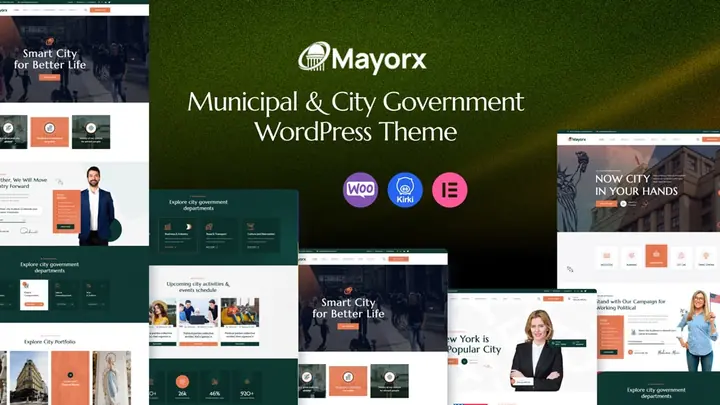
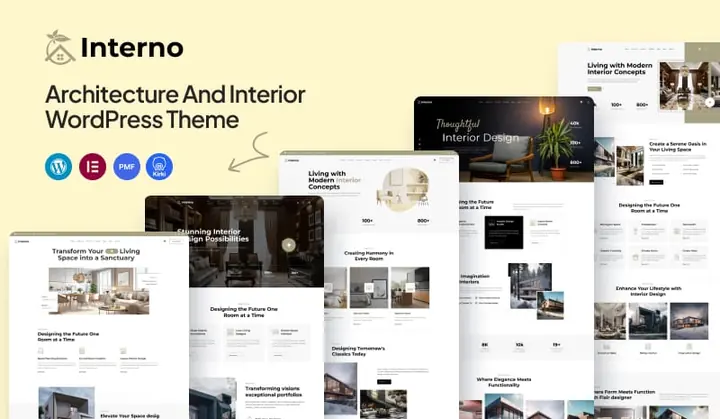
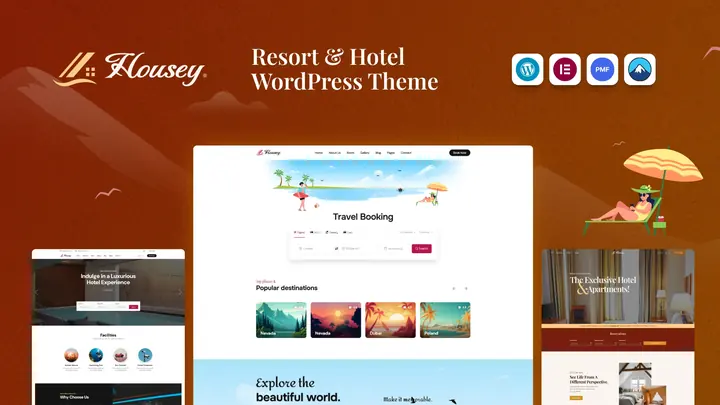
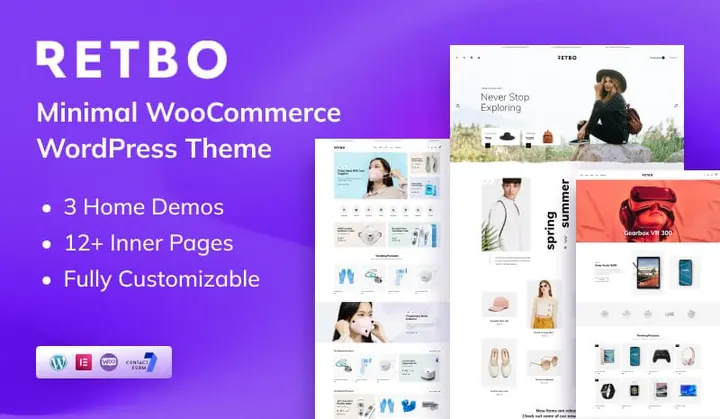
PureFields ships inside ThemePure’s WordPress themes — it is what powers the metaboxes, option panels and repeatable sections their editors work in every day. Here is a slice of the catalogue.





















You’ve been wiring custom fields by hand long enough.
add_meta_box()registerrender callbackmarkupsanitizevalidatesave_postpersistget_post_meta()read
PureFields gives you a builder.
How it works
Config in. WordPress UI out.
Every field is one array. PureFields turns it into a real control on the edit screen, sanitises it on save, and hands the value back to your theme.
01 · image Free
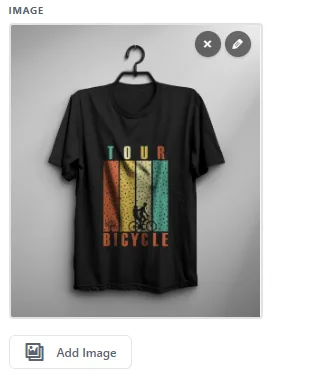
Opens the WordPress media library and stores the attachment ID.
02 · gallery Free
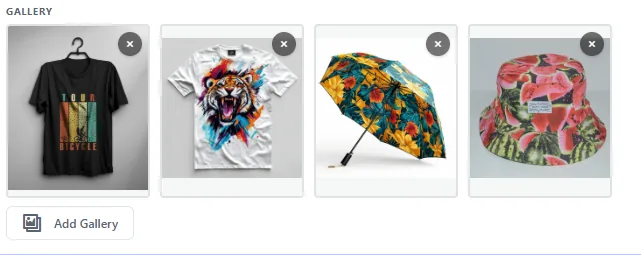
Multi-select from the media library, stored as a JSON array of IDs.
03 · multicolor Free
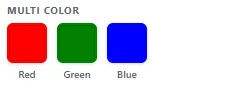
Several named colours behind one label, stored as a keyed array.
04 · dimension Free
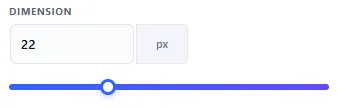
A number, a unit and a drag slider — for widths, heights and offsets.
Four things it does properly.
The field system, the Pro tooling, the WordPress-native workflow, and the developer experience underneath all three.
Fifteen field types in a drag-and-drop builder
Repeaters and grouped sub-fields, nested freely
Conditional logic between any two fields
Custom post types and taxonomies from the same screen
Values land in native post meta — nothing proprietary
Unlimited option panels stored as WordPress theme mods
A visual Option Builder with row and column layouts
Typography, spacing, code, radio image and buttonset fields
Starter templates, or a panel restored from JSON
Bake to PHP — export a panel as a file you can commit
Values are ordinary post meta and theme mods — nothing proprietary
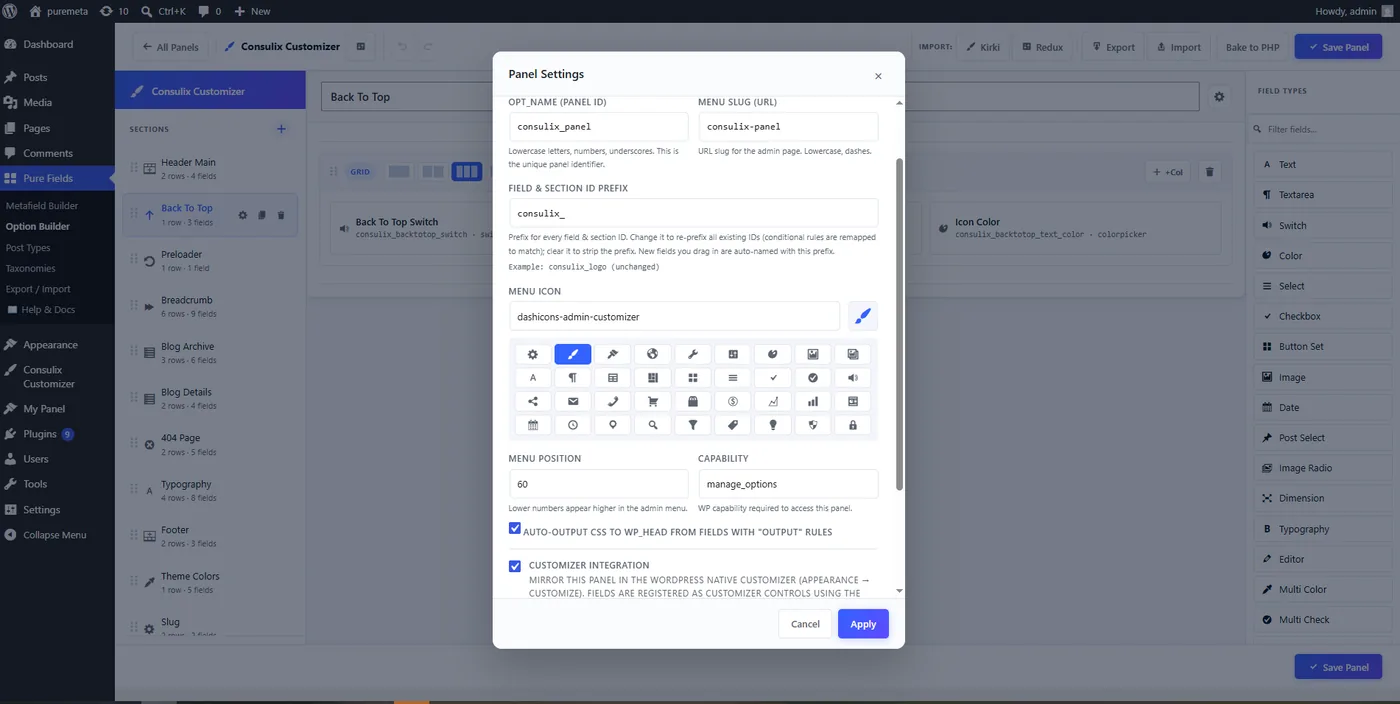
Panels mirror into Appearance → Customize with one checkbox
CSS auto-output writes frontend rules from field values
Custom post types and taxonomies from the same admin menu
Menu slug, dashicon, position and capability are all yours to set
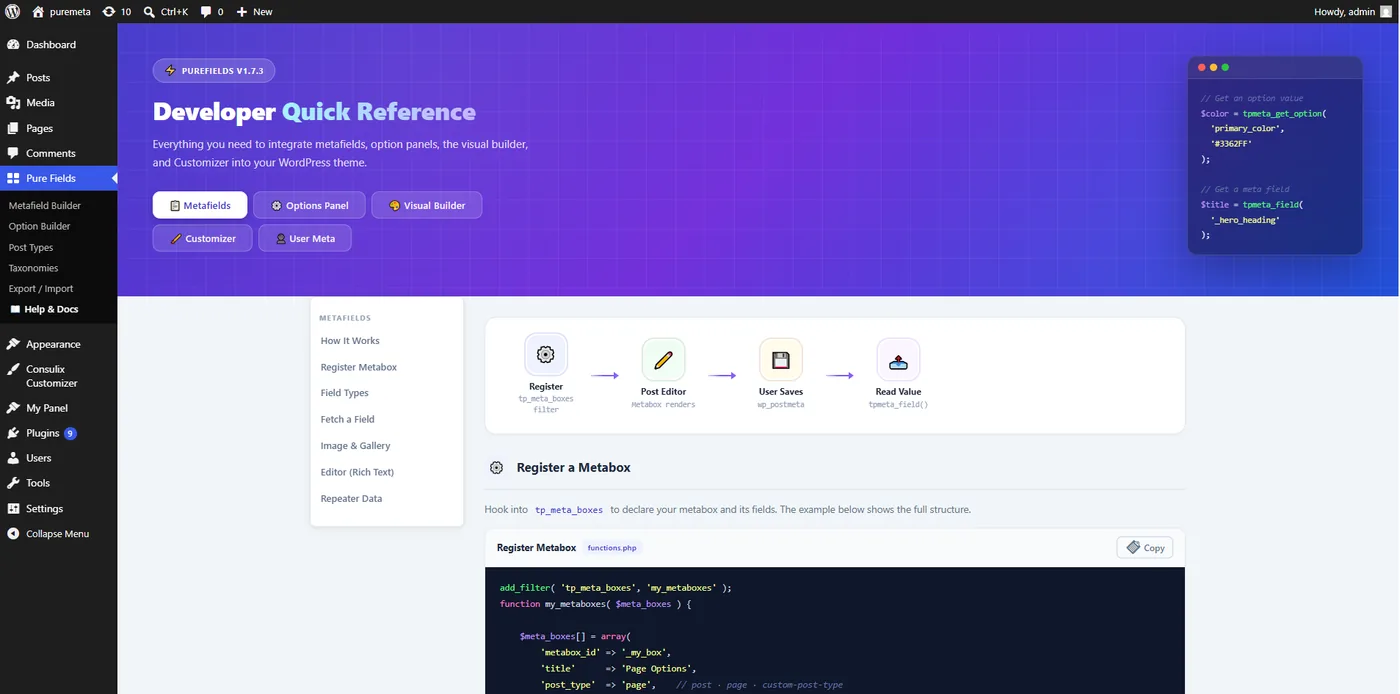
Register everything in PHP through the tp_meta_boxes filter
Read values with tpmeta_field() and tpmeta_get_option()
Import an existing Kirki or Redux configuration
Scan a theme for the metaboxes it already registers
REST endpoints for the builders, and a reference inside the admin
Field explorer
Everything you need.
Nothing you don’t.
Every field below is in the free plugin's builder palette. The three marked Pro are option-panel field types that come with the Pro options framework. Previews are captures of the real control on the WordPress edit screen.
text Free
A single-line input saved as a plain string. Supports a placeholder, a default value and conditional visibility.
Definition
[
  'id'          => 'page_subtitle',
  'type'        => 'text',
  'label'       => 'Page Subtitle',
  'placeholder' => 'Short line…',
]
On the edit screen
tpmeta_field().textarea Free
Multi-line plain text with a configurable row count. Use editor instead when you need TinyMCE and formatted HTML.
Definition
[
  'id'    => 'footer_note',
  'type'  => 'textarea',
  'label' => 'Footer Note',
  'rows'  => 3,
]
On the edit screen
select Free
A dropdown built from an associative options array. The saved value is the array key, so labels stay translatable without breaking stored data.
Definition
[
  'id'      => 'header_style',
  'type'    => 'select',
  'label'   => 'Header Style',
  'options' => [
    'light' => 'Light',
    'dark'  => 'Dark',
  ],
]
On the edit screen
'light'switch Free
A toggle. Set data_type to boolean and PureFields casts the stored value to a real bool before your theme sees it.
Definition
[
  'id'        => 'show_breadcrumb',
  'type'      => 'switch',
  'label'     => 'Show Breadcrumb',
  'data_type' => 'boolean',
]
On the edit screen
checkbox Free
A group of checkboxes. Only checked keys are stored, so an isset() check on the saved array is enough to test a single option.
Definition
[
  'id'      => 'page_elements',
  'type'    => 'checkbox',
  'label'   => 'Page Elements',
  'options' => [
    'sidebar' => 'Sidebar',
    'share'   => 'Share Bar',
  ],
]
On the edit screen
[ 'sidebar' => '1' ]
image Free
Opens the native WordPress media library and stores the attachment ID. tpmeta_image_field() returns the URL at any registered size.
Definition & retrieval
[ 'id' => 'hero_bg', 'type' => 'image',
  'label' => 'Hero Background' ]

// in the template
$url = tpmeta_image_field( 'hero_bg' );
On the edit screen
gallery Free
Multi-select from the media library, stored as a JSON array of attachment IDs. tpmeta_gallery_field() hands the list back ready to loop.
Definition & retrieval
[ 'id' => 'project_shots',
  'type' => 'gallery',
  'label' => 'Project Shots' ]

$ids = tpmeta_gallery_field( 'project_shots' );
On the edit screen
colorpicker Free
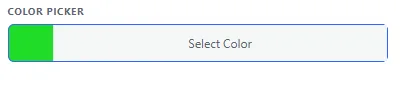
The WordPress Iris colour picker, stored as a hex string. In Pro option panels it can also drive generated frontend CSS automatically.
Definition
[
  'id'      => 'accent_color',
  'type'    => 'colorpicker',
  'label'   => 'Accent Color',
  'default' => '#3362FF',
]
On the edit screen
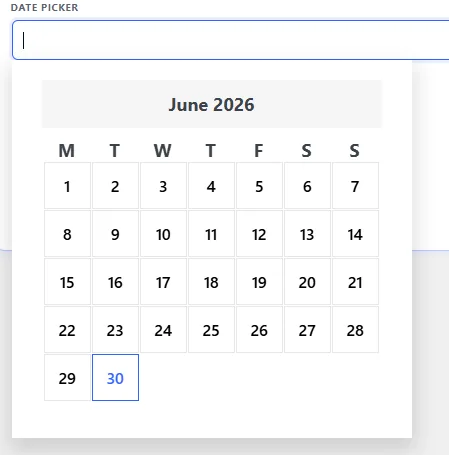
datepicker Free
A jQuery UI date picker storing a date string. Works inside repeater rows too — each row gets its own isolated picker instance.
Definition
[
  'id'    => 'event_date',
  'type'  => 'datepicker',
  'label' => 'Event Date',
]
On the edit screen
repeater Free
Nest any set of sub-fields and let editors add, remove and reorder rows. Rows are stored as JSON and decoded back into a plain PHP array for you.
Definition & retrieval
[ 'id' => 'team_members',
  'type' => 'repeater',
  'fields' => [
    [ 'id' => 'name', 'type' => 'text' ],
  ] ]

foreach ( tpmeta_field('team_members') as $row )
  echo $row['name'];
On the edit screen
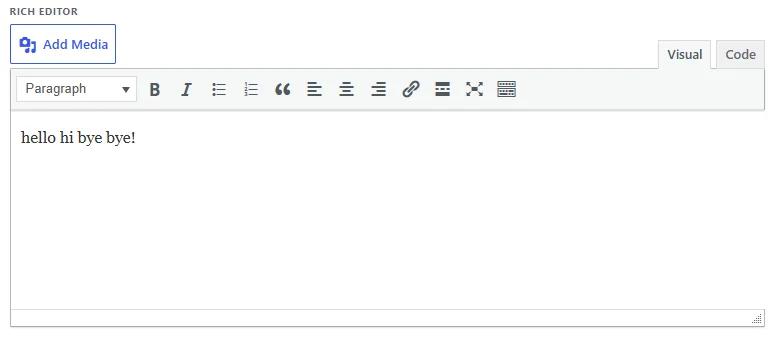
editor Free
The full WordPress TinyMCE editor inside a meta box, with the Visual and Code tabs and the Add Media button. Values are sanitised with wp_kses_post.
Definition
[
  'id'    => 'extra_content',
  'type'  => 'editor',
  'label' => 'Extra Content',
]
On the edit screen
dimension Free
A number paired with a unit and a drag slider — the right control for widths, heights and offsets where a plain text input invites typos.
Definition
[
  'id'    => 'block_width',
  'type'  => 'dimension',
  'label' => 'Block Width',
]
On the edit screen
multicolor Free
Several named colours behind one label — a normal, hover and active state, say. Stored as a keyed array so each swatch keeps its name.
Definition
[
  'id'      => 'button_colors',
  'type'    => 'multicolor',
  'label'   => 'Button Colors',
  'options' => [
    'normal' => 'Normal',
    'hover'  => 'Hover',
  ],
]
On the edit screen
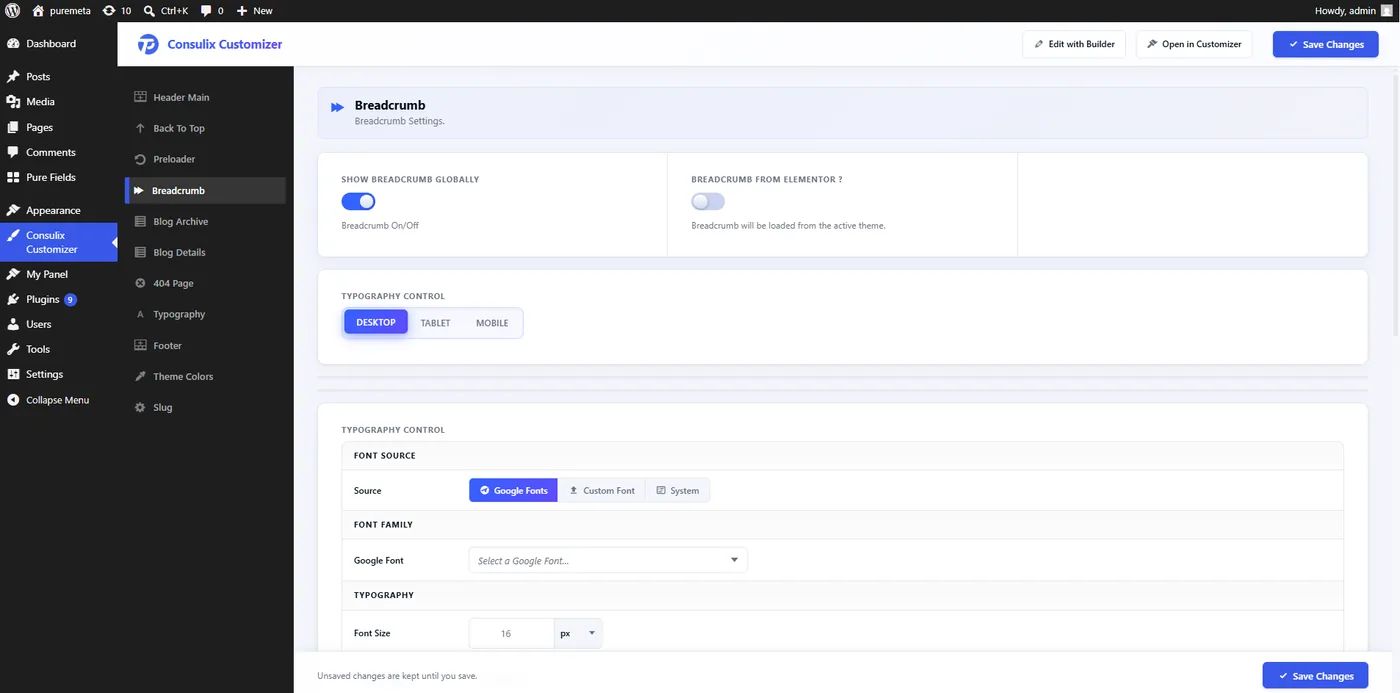
typography Pro
Full font control in an option panel — family, size, weight, line-height and letter-spacing — with CSS auto-output writing the declarations to the frontend for you.
Definition
[
  'id'     => 'heading_font',
  'type'   => 'typography',
  'label'  => 'Headings',
  'output' => [ 'h1, h2, h3' ],
]
In the option panel
spacing Pro
Top / right / bottom / left values with unit control, for section padding and margins. Pairs with CSS auto-output so editors change spacing without touching a stylesheet.
Definition
[
  'id'     => 'hero_padding',
  'type'   => 'spacing',
  'label'  => 'Hero Padding',
  'output' => [ '.site-hero' ],
]
In the option panel
code Pro
A syntax-highlighted editor for HTML, CSS or JavaScript inside an option panel — the honest place for the "custom CSS" box every theme ends up needing.
Definition
[
  'id'    => 'custom_css',
  'type'  => 'code',
  'label' => 'Custom CSS',
  'mode'  => 'css',
]
In the option panel
.site-header {
  backdrop-filter: blur(18px);
}
Free vs Pro
Start free. Go further with Pro.
The free plugin covers the whole metadata workflow — fields, post types, taxonomies and the developer API. Pro adds the theme-options layer that themes need when clients start editing the site themselves.
theme_mod storage)tp_meta_boxes filter & template APIPricing
One licence. Pick your term.
PureFields Pro unlocks theme options, Customizer integration and Bake to PHP. Same features either way — choose lifetime or yearly.
Lifetime Starter
$99
License: Lifetime Commercial
- Lifetime
- 365 Days Support
- Unlimited Sites
PureFields Free
Install. Build. Ship.
Absolutely free.
The free plugin is not a trial. It carries the whole metadata workflow — the visual builder and its full field palette, post types, taxonomies and the developer API — with no field caps and no watermarks.
Unlimited meta boxes on posts, pages and any custom post type.
Fifteen field types in the visual builder, repeaters included — and more through the PHP API.
Conditional logic — show or hide a field based on another field’s value.
Post type and taxonomy builders, plus JSON export and import.
Native storage — values are ordinary post meta, readable with get_post_meta().
Built for WordPress developers
The WordPress fields you imagined
are one array away.
Define fields once. Use their values anywhere in WordPress.